AI image editing for creators
Nano Image AI Image Editor
Generate images, edit with a reference, clean up photos, remove backgrounds, and prepare product visuals in one credits-first AI image editor.
No credit card required


Step into a new look
Pick an effect, upload a photo, and generate. One source image can become a character, campaign visual, product scene, or reimagined space.
See every AI art effect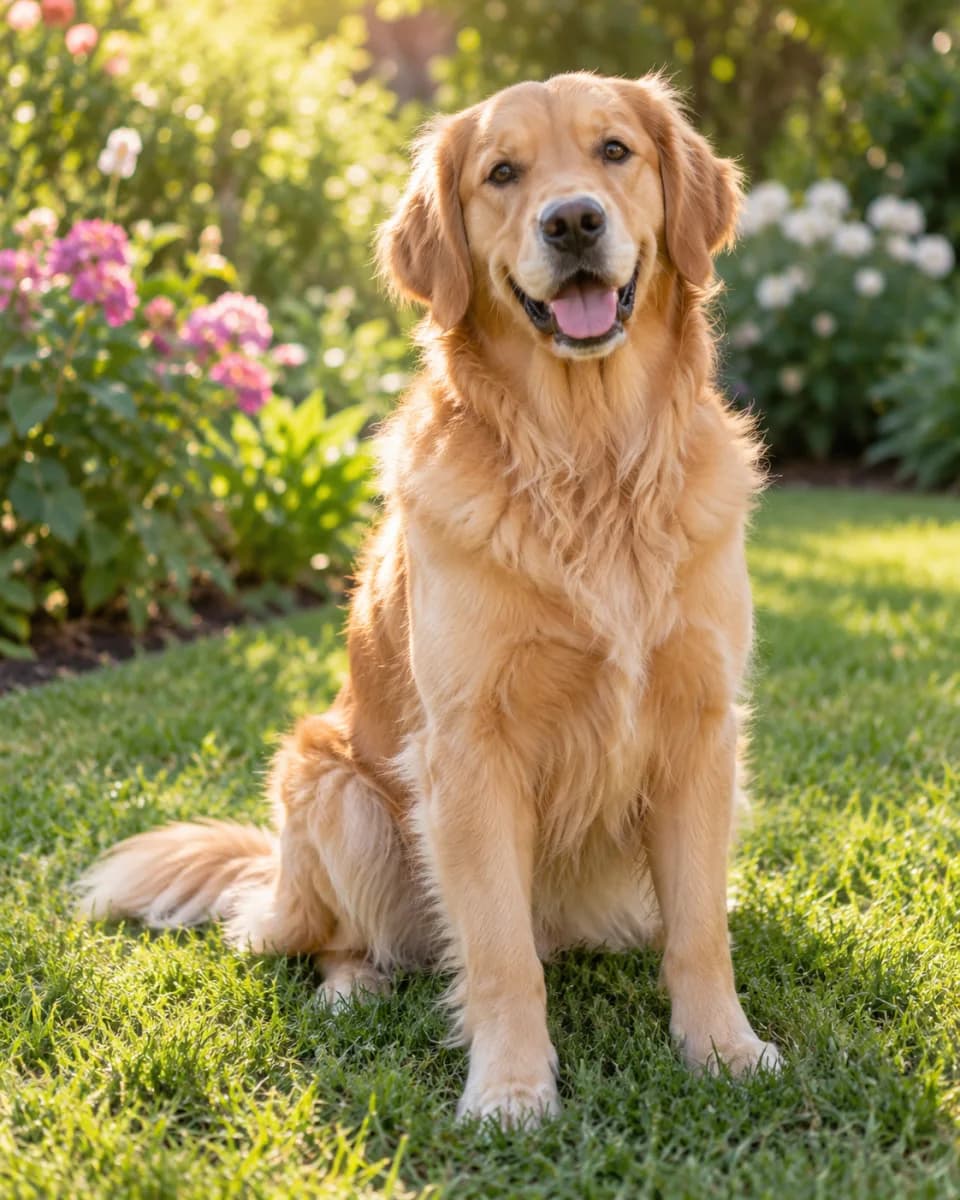



Choose the tool that matches the job
Nano Image is one AI image editor with separate, task-specific workflows. Each tool page explains its own inputs, outputs, current credit cost, and limits.
AI Art Image Generator
Choose from 80 visual effects, upload one photo, and generate a styled version in the same workspace.
Open tool ReframeAI Camera Angle Generator
Request front, side, back, elevated, low, wide, or close-up 2D views from one source image.
Open tool SellAI Product Photo Editor
Prepare cleaner product visuals and ecommerce-ready scenes from a reference product photo.
Open tool CleanImage Cleanup
Paint over unwanted objects, labels, text, or marks and let AI rebuild the selected area.
Open tool Cut outBackground Remover
Remove the background from a photo and export a transparent PNG cutout.
Open tool BuildImage to 3D Model
Turn a suitable reference image into a downloadable GLB model for 3D workflows.
Open toolFrom source photo to reviewed result
- 01
Choose the right tool
Start with the job you actually need: style, cleanup, cutout, product photo, camera view, or 3D.
- 02
Upload a clear source
Use an image you own. Clear subjects, good lighting, and visible details usually give AI more to work with.
- 03
Generate, review, refine
Check identity, text, logos, hidden geometry, and product details before you publish or sell the result.
Useful results still need a human review
AI can infer a new style, background, camera view, or missing area. It cannot verify details hidden from the source image, and it may change small text, logos, faces, materials, or geometry.
For commercial work, compare the output with the original and do not treat an inferred product view or generated background as documentary proof. Our tool pages and guides describe the current workflow without promising perfect identity or physical accuracy.
See what your photo can become.
Explore a visual effect or choose a practical editing tool. No credit card is required to create an account.